🔥 The Ultimate Firestick IPTV Guide for 2026
The Amazon Firestick remains the #1 choice for cord-cutters in the United States. Its versatility, ease of use, and support for high-end video codecs make it the perfect vessel for IPTV. In 2026, users are split between free ad-supported services and premium paid subscriptions. Here is everything you need to know to balance cost and quality.
1. Free IPTV Options (FAST Channels)
If you have a zero-dollar budget, you can still access thousands of hours of content. Modern "FAST" (Free Ad-supported Streaming TV) apps have become mainstream in 2026:
- ✅ Pluto TV: Hundreds of linear channels curated by Paramount.
- ✅ Tubi TV: A massive library of movies and live news.
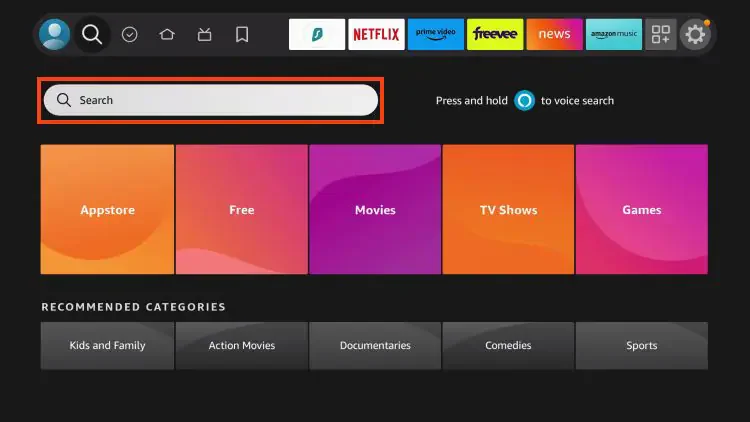
- ✅ Freevee: Amazon's own free service integrated directly into the Firestick UI.
- ✅ Local News Apps: Most major US cities have free apps like 'NewsON' for local broadcasts.
The Downside: Constant commercial interruptions, limited live sports, and no premium 4K cinema.
2. Paid Premium IPTV: The RabbitAI TV Advantage
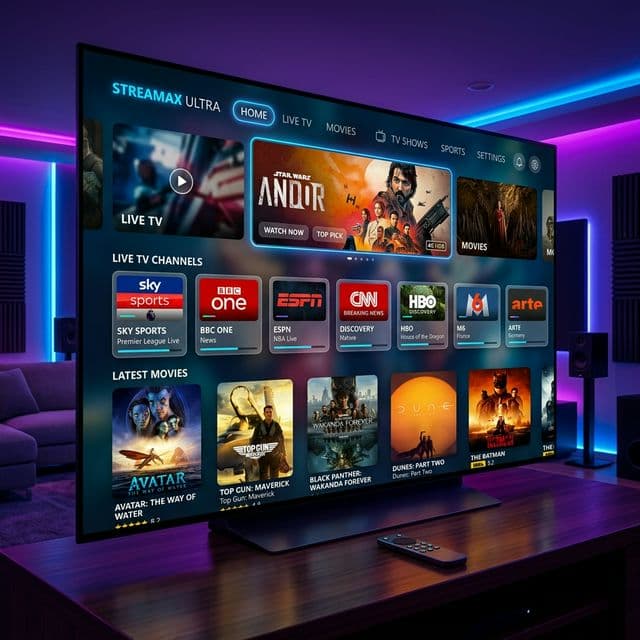
For those who want a true cable replacement without the cable price tag, a paid service is the only way to go. RabbitAI TV is specifically optimized for the Firestick 4K and 4K Max models.
- 🚀 Zero Ads: Enjoy movies and sports without interruptions.
- 🚀 4K & 8K HDR: Native support for the Firestick's hardware decoding.
- 🚀 Unified EPG: A professional TV guide that makes switching channels feel like traditional TV.
- 🚀 Global Access: Over 20,000 channels including every US regional sports network.
🛠️ How to Optimize Your Firestick for IPTV
Regardless of whether you choose a free or paid option, follow these 2026 best practices to Ensure a buffer-free experience:
Use an Ethernet Adapter
Wi-Fi is convenient, but for 4K streaming, a wired connection is king. Amazon's official Ethernet adapter or a high-speed 1Gbps third-party hub can eliminate 90% of buffering issues caused by household signal interference.
Check Your Storage
The Firestick has limited storage. If you fill it with too many apps, the system will slow down, causing your IPTV player to lag. Keep at least 1GB of free space for caching.
Install a Lightweight Player
While many services have their own apps, using a specialized player like TiviMate on your Firestick often results in a faster, more fluid interface than generic brand apps.
🏁 Conclusion
Free options are great for casual browsing, but if you want the best sports, latest movies, and a buffer-free 2026 experience in the USA, a premium service is a must. RabbitAI TV offers the perfect balance of price and performance for Firestick users.
Ready to see what your Firestick is truly capable of?