Complete Fire TV Stick IPTV Installation Guide
Installing IPTV on your Fire TV Stick is easier than you think! Follow this comprehensive guide.
Prerequisites
- Amazon Fire TV Stick (any generation)
- Active internet connection
- IPTV subscription credentials
Step 1: Enable Unknown Sources
- Go to Settings > My Fire TV
- Select Developer Options
- Enable 'Apps from Unknown Sources'
Step 2: Install Downloader App
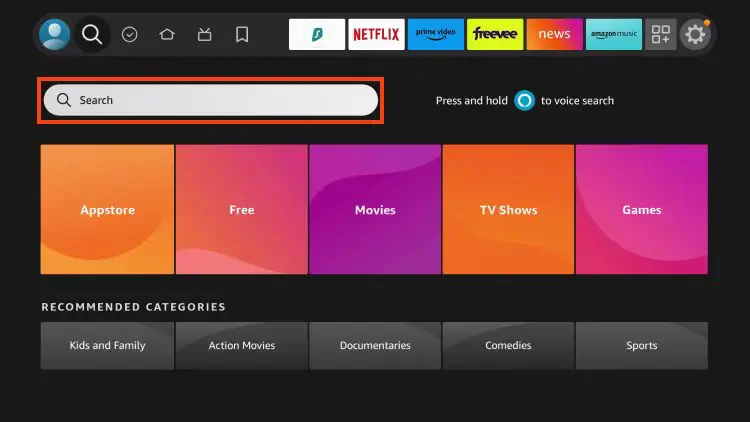
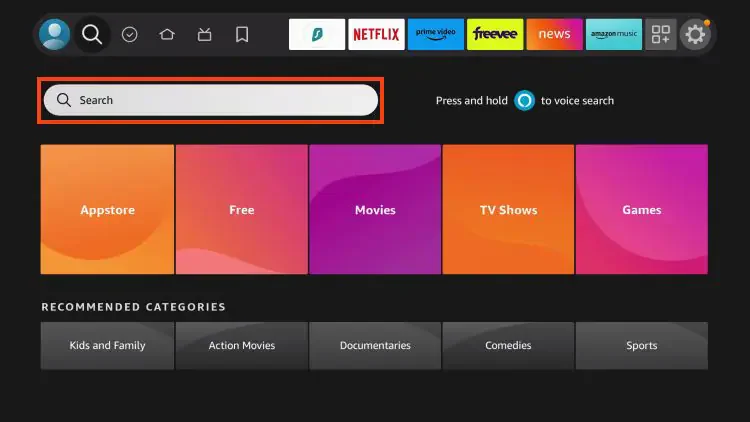
- Search for 'Downloader' in the App Store
- Download and install the app
- Open Downloader
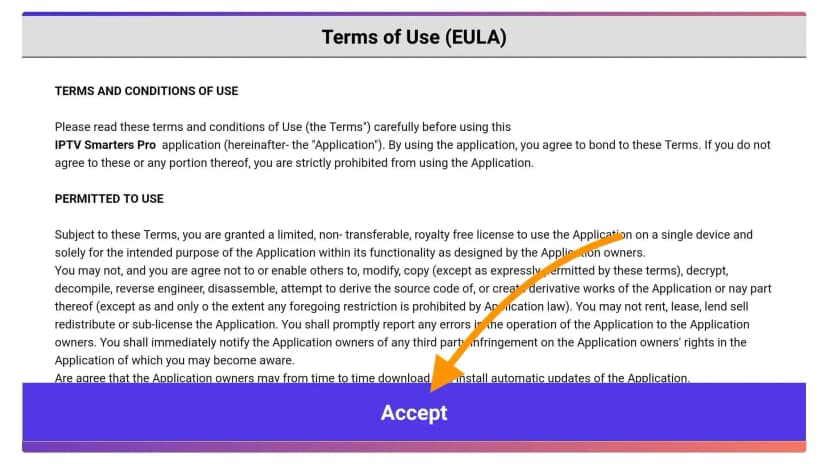
Step 3: Install IPTV Smarters
- Enter the download URL provided by your IPTV service
- Wait for the download to complete
- Install the application
Step 4: Configure Your IPTV
- Open IPTV Smarters
- Select 'Xtream Codes API'
- Enter your login credentials
- Start streaming!
Troubleshooting Tips
- Make sure your internet speed is at least 25 Mbps for 4K
- Clear cache if experiencing buffering
- Contact support for login issues