📺 The Ultimate Smart TV IPTV Setup Guide
Transforming your Smart TV into a global entertainment hub is easier than you might think. Whether you own a Samsung, LG, or an Android-based TV, setting up an IPTV service like RabbitAI TV takes just a few minutes. Here is the exact process to get you streaming without any technical headaches.
Step 1: Choose the Right IPTV Application
Your Smart TV requires a dedicated player application to read the streaming links. The best application depends on your TV's operating system:
- Samsung (Tizen) & LG (webOS): IBO Player, Flix IPTV, or SmartOne IPTV are currently the most stable choices.
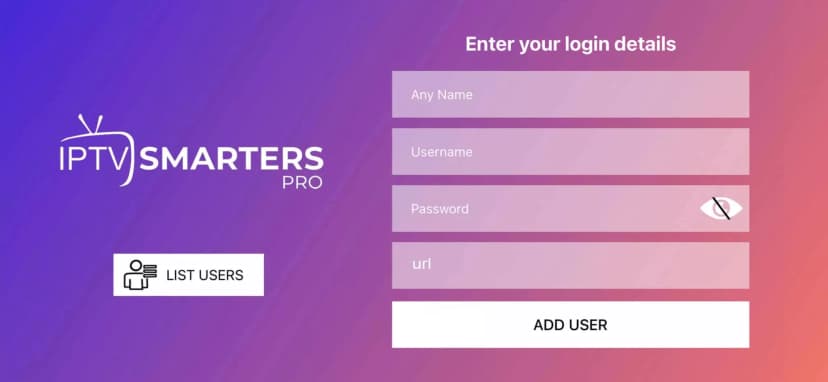
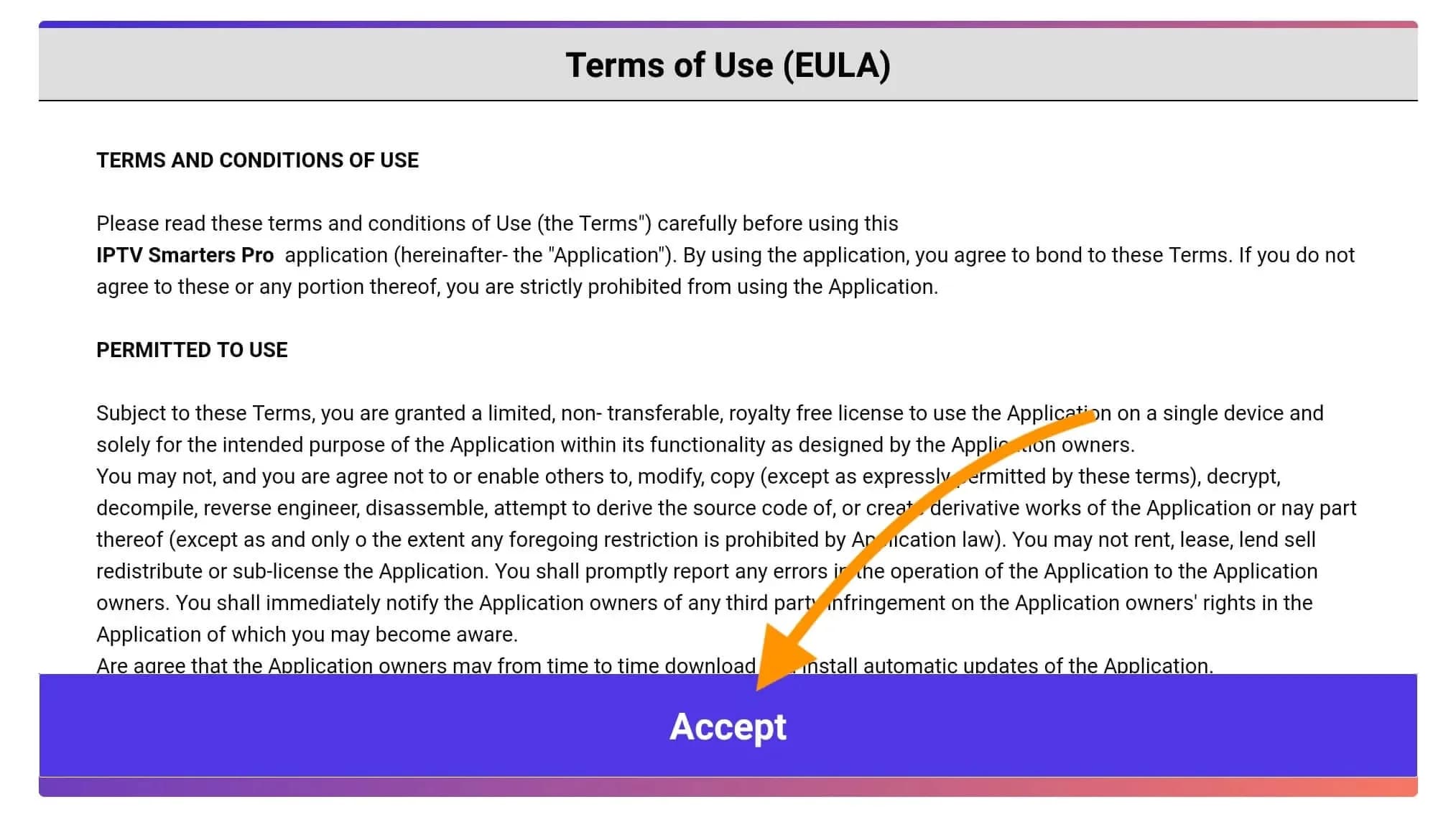
- Android TV / Google TV (Sony, TCL, Philips): TiviMate or IPTV Smarters Pro remain the absolute top picks for their premium interfaces.
Step 2: Download the Application
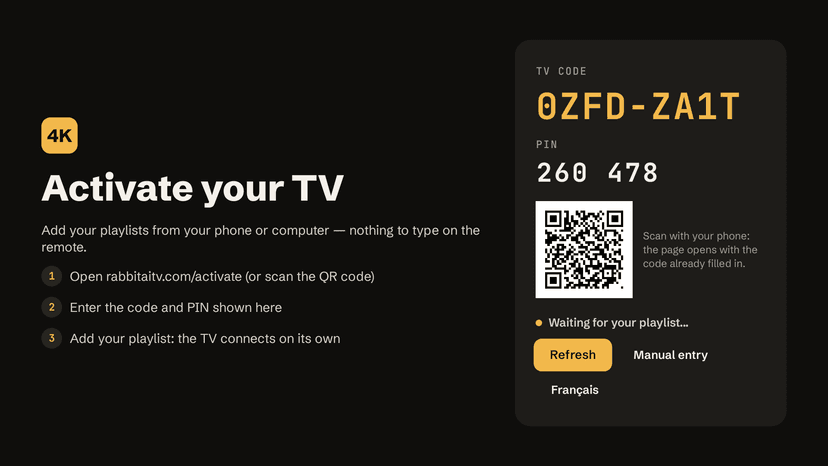
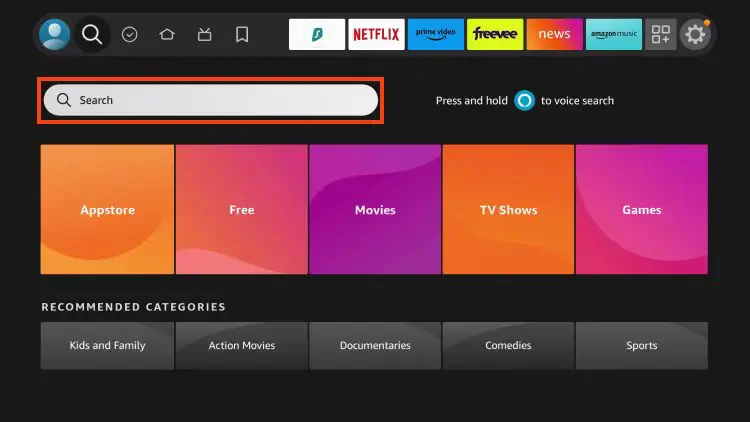
Navigate to your TV's official App Store (Google Play Store, LG Content Store, or Samsung App Store). Search for the chosen application and click Install. Once installed, open the app, and you will usually be presented with a MAC address or a unique identifier on the screen.
Step 3: Prepare Your Playlist Credentials
To access live channels, you will need a subscription from a premium provider. When you subscribe to RabbitAI TV, you will receive an email or WhatsApp message with either:
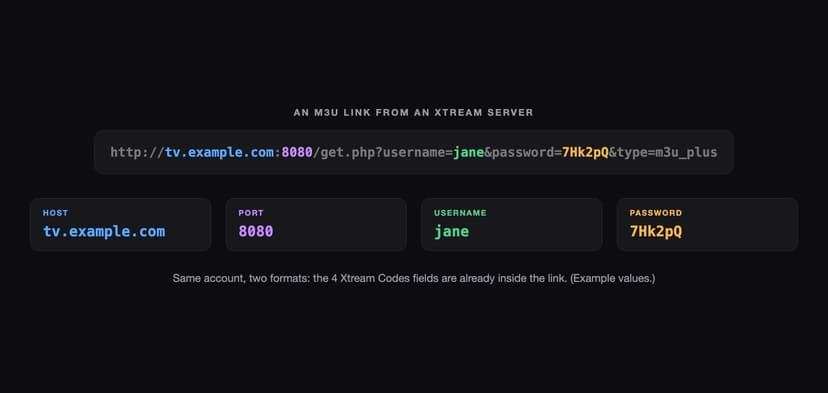
- An M3U Link (A long web URL).
- Xtream Codes Auth (A Username, Password, and Portal URL).
Note: Xtream Codes are highly recommended as they configure your channels, categories, and VOD automatically.
Step 4: Connect the Service to the App
If you are using an app like IPTV Smarters (Android), you simply select "Add User via Xtream Codes API" and enter your RabbitAI TV credentials directly on the TV.
If you are using IBO Player or SmartOne (LG/Samsung), you will go to the app's official website on your phone or computer, enter the TV's MAC address, and upload your M3U link or Xtream details there. The TV app will sync immediately.
🔥 Why Run RabbitAI TV on Your Smart TV?
While generic IPTV apps are free or cheap, the actual streams depend entirely on your provider. Using RabbitAI TV guarantees:
- ✅ Native 4K Quality: Making the most of your expensive Smart TV panel.
- ✅ Zero Buffering: Thanks to our AI-optimized load balancing server network.
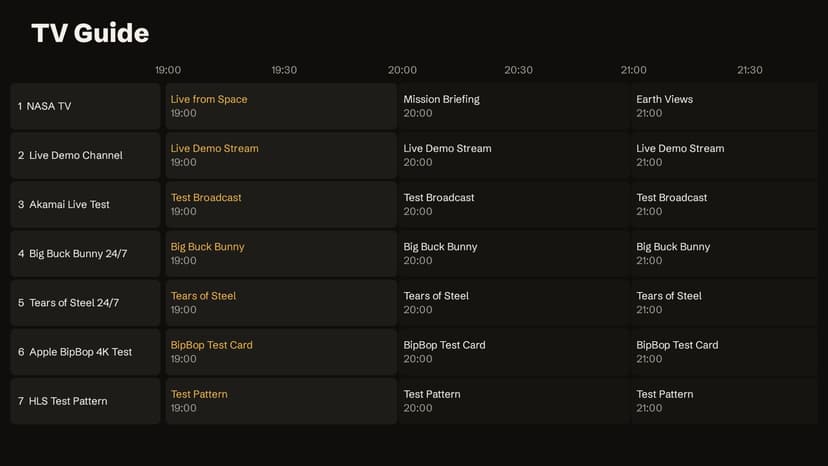
- ✅ Auto-Updating VODs: Your movie library updates without you needing to press a button.
If you get stuck during setup, our dedicated support team is here to walk you through it.