Disclosure: 4Klive is developed by the RabbitAI TV team. We put it first for Fire TV and Android TV and are upfront about what TiviMate does better. Other apps' prices were checked in October 2026 and vary by region.
TiviMate is one of the best IPTV players ever made, and if it works for you, keep it. But many people go looking for an alternative, usually for one of these reasons:
- It only runs on Android. There's no version for Apple TV, iPhone, Samsung or LG.
- On Fire TV it has to be sideloaded. That's impossible on the newest Vega OS sticks (Fire TV Stick 4K Select, 2nd-gen Fire TV Stick HD).
- Premium is bought through a separate companion app on an Android phone. That's awkward if you use an iPhone.
- The setup means typing a server, username and password with the remote, and the dense interface takes time to learn.
Here are the 5 best TiviMate alternatives in 2026, and who each one is for.
The short answer
- Simplest alternative on Fire TV and Android TV: 4Klive
- Closest feature match (recording, multi-view): OTT Navigator
- Free, on almost any device: IPTV Smarters Pro
- Apple TV, iPhone and iPad: UHF
- Samsung and LG smart TVs: IBO Player Pro
| Alternative | Devices | Price (approx.) | Best for |
|---|---|---|---|
| 4Klive | Fire TV, Android TV, Google TV | 7-day free trial, then $9.99/year or $24.99 lifetime | An easy setup and a clean interface |
| OTT Navigator | Android, Android TV, Fire TV | Free; optional Premium | Power users who need recording |
| IPTV Smarters Pro | Android, Fire TV, iPhone, iPad, Windows, Mac | Free | One free app everywhere |
| UHF | Apple TV, iPhone, iPad, Mac | Free; Pro $17.99/year or $49.99 lifetime | Apple TV owners |
| IBO Player Pro | Samsung, LG, Android | 7-day trial, then about €6/year or €14 lifetime per device | Smart TVs without a stick |
1. 4Klive: the simplest TiviMate alternative for Fire TV and Android TV
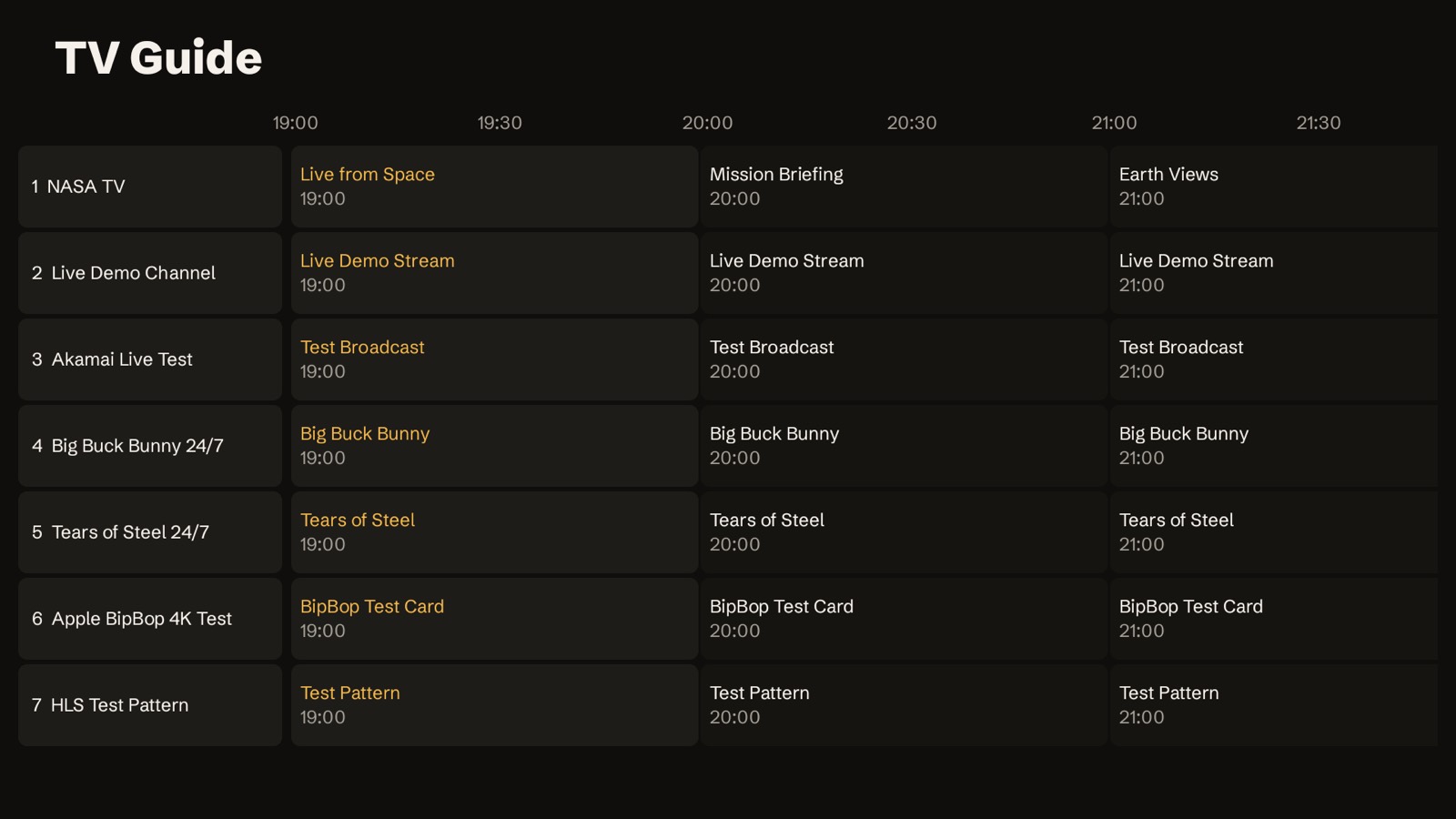
4Klive takes the opposite approach to TiviMate: fewer settings, faster to get going. Its biggest difference is the setup. The TV shows a code and a PIN, you add your playlist from your phone, and the TV connects by itself. You never type a password with the remote.
What you get
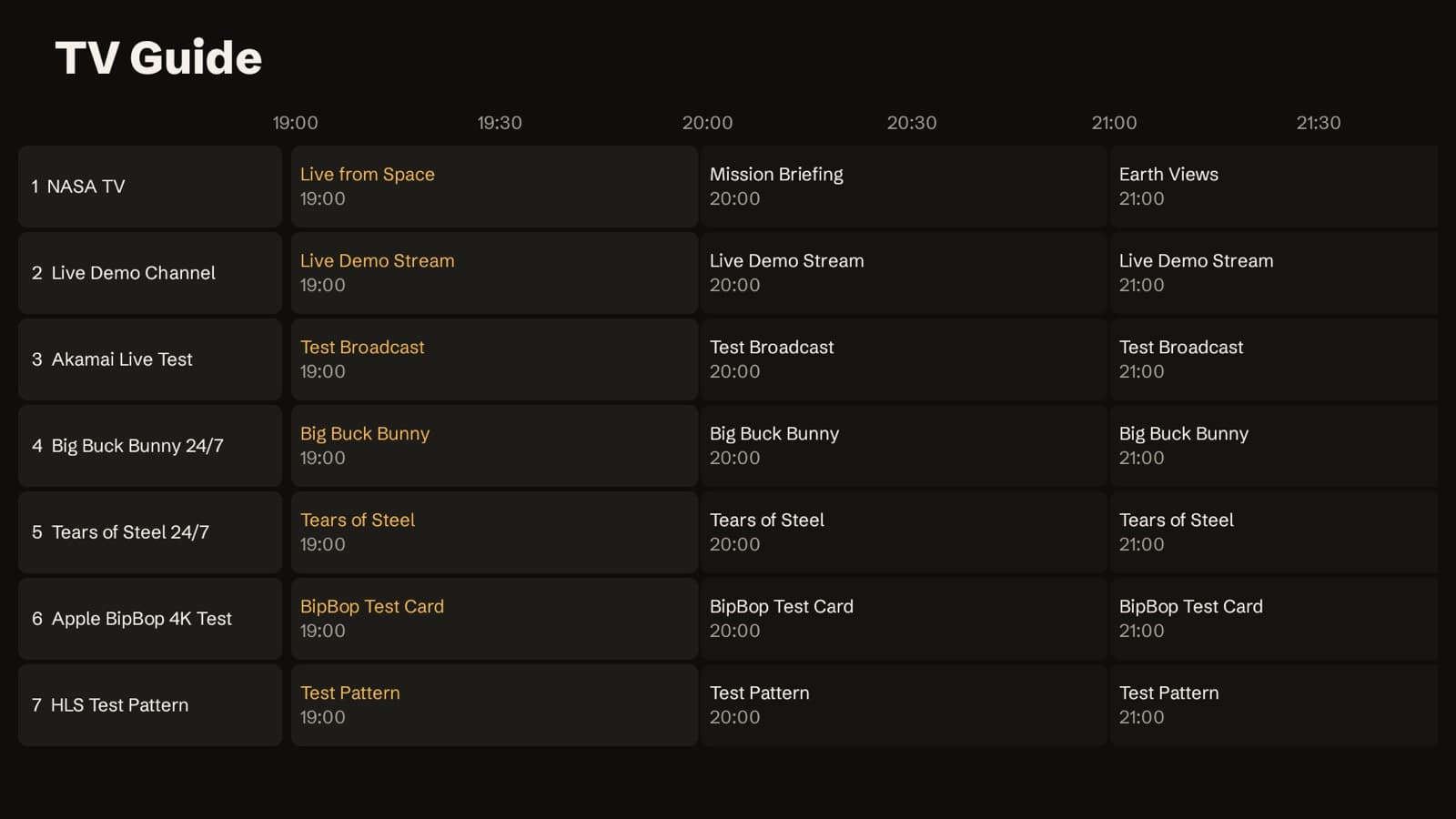
- Live TV with now/next on every channel and a full TV guide
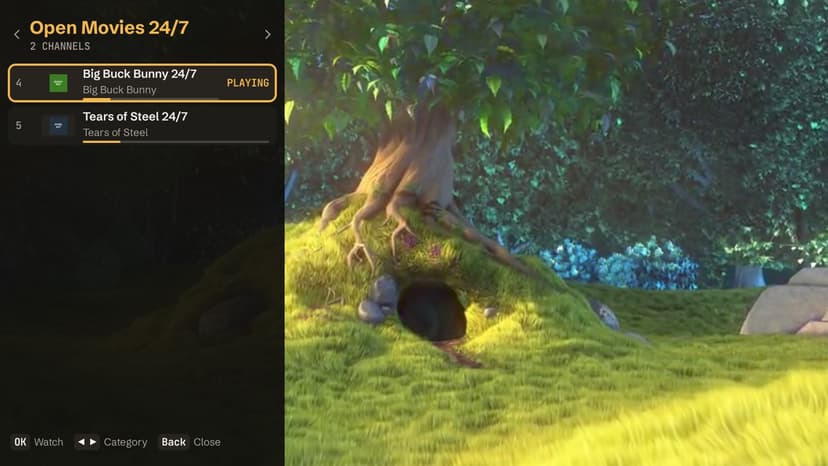
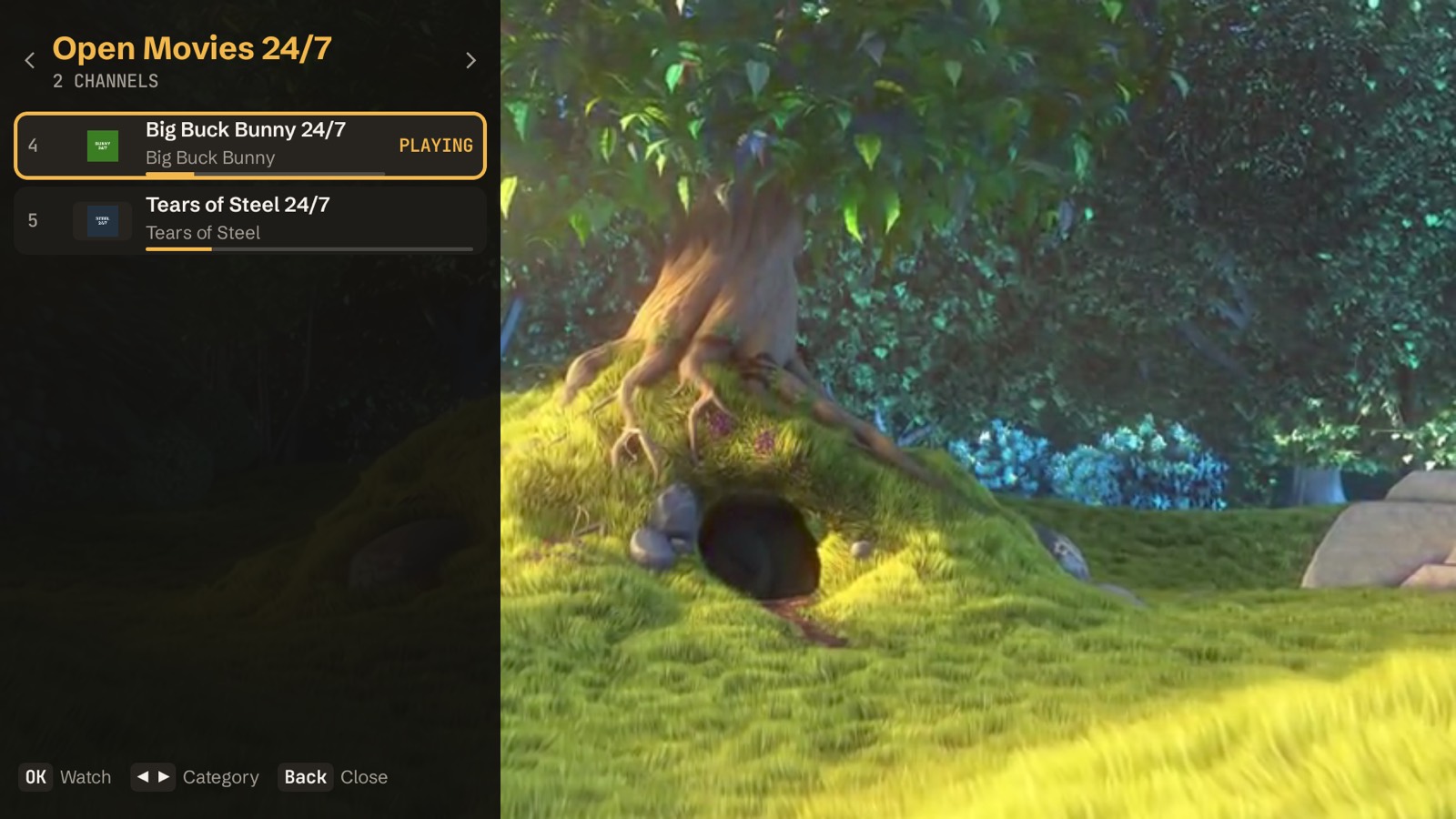
- A channel list you can open over the picture without stopping the stream
- Movies and series with "continue watching"
- Catch-up (where your provider supports it), favorites, history, search, profiles and a parental PIN
- An interface in English or French
4Klive vs TiviMate
| Feature | 4Klive | TiviMate |
|---|---|---|
| Devices | Fire TV, Android TV, Google TV | Fire TV, Android TV, Google TV |
| Setup | Code + PIN, playlist added from your phone | Typed on the TV with the remote |
| Free trial | 7 days, starts automatically | Limited free version |
| Price | $9.99/year or $24.99 lifetime | About $9.99/year or ~$34 lifetime |
| Devices per purchase | 1 TV | Up to 5 devices |
| Playlist formats | Xtream Codes | Xtream Codes and M3U |
| Recording | No | Yes (Premium) |
| Multi-view | No | Yes (Premium) |
| Catch-up and TV guide | Yes | Yes |
| Where to get it | Downloader code 9234307 or APK | Google Play on Android TV; sideloaded on Fire TV |
Choose 4Klive if you find TiviMate complicated, you set up TVs for family members, or you want a cheaper lifetime licence for a single TV. Stay with TiviMate if you record shows, watch several channels at once, use plain M3U files, or want one purchase for several TVs.
How to install 4Klive on Firestick
2. OTT Navigator: the closest match to TiviMate's features
OTT Navigator is the alternative for people who love TiviMate's depth. It runs on Android phones, Android TV and Fire TV, and supports:
- Xtream Codes, M3U and Stalker playlists;
- catch-up, timeshift, recording, picture-in-picture and multi-view;
- a customizable interface with several skins.
Price. Free with ads and some limits. An optional Premium tier unlocks the rest, with monthly and lifetime options that vary by region.
Limitations. It's Android-only, like TiviMate, and its menus are even more technical. Expect to spend time in the settings.
Who it's for: experienced users who want recording and multi-view and don't mind tweaking.
3. IPTV Smarters Pro: the free alternative on almost every device
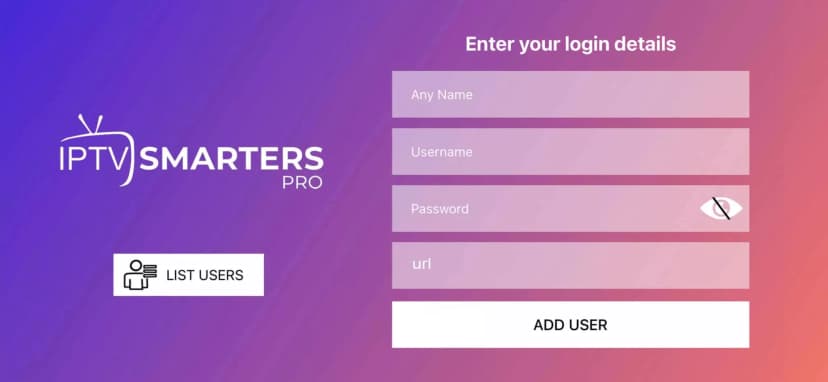
IPTV Smarters Pro is free and exists on Android, Fire TV, iPhone, iPad and computers. It handles both Xtream Codes and M3U playlists.
Limitations. The interface is dated and built for touchscreens, so it's slower to use with a TV remote. Store availability also changes by region. On Fire TV it is often sideloaded, so make sure you install the official app.
Who it's for: people who want one free app on every screen and don't need advanced features.
4. UHF: the best TiviMate alternative on Apple TV
TiviMate doesn't exist on Apple devices. UHF is the closest equivalent there. It runs on Apple TV, iPhone, iPad and Apple Silicon Macs, and supports:
- M3U and Xtream Codes, plus Plex, Jellyfin and Emby;
- a TV guide and catch-up;
- 4K HDR, Dolby Vision and Dolby Atmos.
Price. Free to start. Pro costs $1.99 per month, $17.99 per year or $49.99 lifetime (US App Store).
Who it's for: Apple TV owners who want a full-featured player.
5. IBO Player Pro: the alternative for Samsung and LG TVs
TiviMate can't be installed on Samsung (Tizen) or LG (webOS) TVs. IBO Player Pro is available in those TVs' app stores.
Price. After a 7-day trial you activate each device, for roughly €6 per year or €14 for lifetime (prices vary by reseller).
Limitations. The interface is basic.
Who it's for: smart TV owners who don't want an extra device. If you're open to plugging something in, a Fire TV Stick 4K gives you access to 4Klive, TiviMate and OTT Navigator.
Is "TiviMate 8K" or "TiviMate Pro APK" real?
No. The official app is TiviMate IPTV Player by Armobsoft. You get it from the Google Play Store on Android TV, or from tivimate.com for sideloading on Fire TV. Its Premium features are unlocked through the official purchase.
APKs called "TiviMate 8K", "TiviMate Pro" or "TiviMate Premium unlocked" on download sites are modified copies. They can contain malware, they break with official updates, and they aren't authorized by the developer. If you want TiviMate, install the real one with our TiviMate installation guide. If you want something free, OTT Navigator or IPTV Smarters Pro are legitimate options.
How to switch from TiviMate to 4Klive
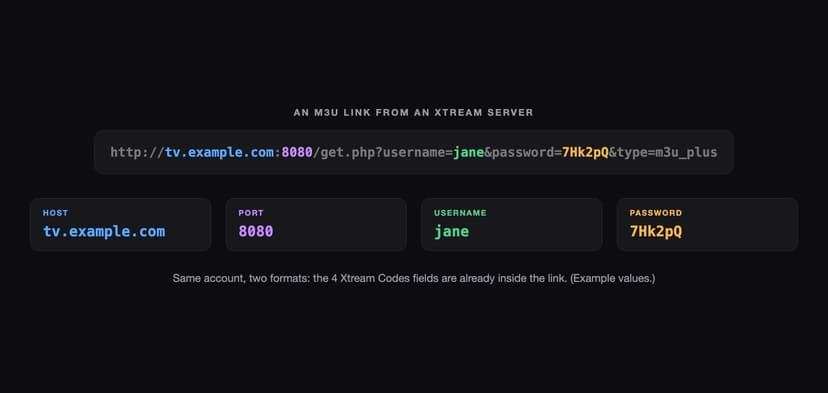
- Find your provider's Xtream Codes details (host, port, username, password). They're in the email your provider sent you, or in your current player's playlist settings.
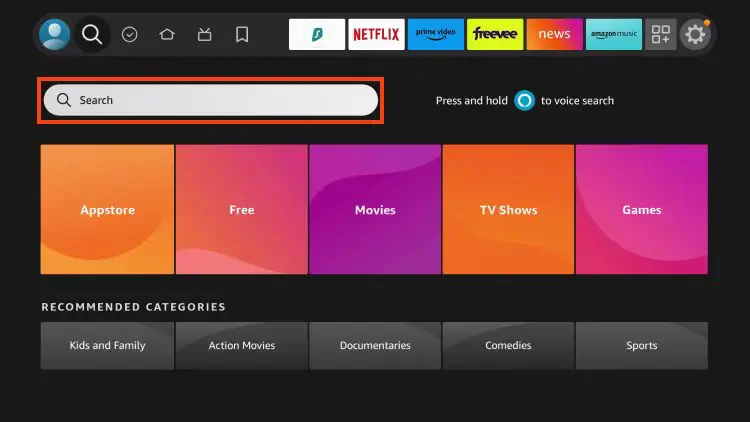
- Install 4Klive with Downloader code 9234307 (step-by-step guide).
- Open 4Klive, scan the QR code with your phone and add the same Xtream details. The TV connects by itself.
- Keep TiviMate installed during the 7-day trial so you can compare both side by side.
Favorites and watch history don't transfer between apps, so expect to re-add your favorite channels.
Frequently Asked Questions
What is the best free alternative to TiviMate?
OTT Navigator is the closest free alternative on Android and Fire TV, with recording and multi-view. IPTV Smarters Pro is free on more devices but has fewer features. 4Klive is free for 7 days, then $9.99 per year or $24.99 for lifetime.
Does TiviMate work on the Fire TV Stick 4K Select?
No. The Fire TV Stick 4K Select runs Vega OS, which can't install apps from outside the Amazon Appstore. The same applies to 4Klive and OTT Navigator. Use a Fire TV Stick 4K, 4K Max or Fire TV Cube instead.
What's the best TiviMate alternative for Apple TV?
UHF is the most complete. IPTVX is the most polished but costs more. See our comparison of the best IPTV apps for details.
Can I use my TiviMate playlist in another app?
Yes. The playlist belongs to your provider, not to TiviMate. Enter the same Xtream Codes details (or M3U link, for apps that accept it) in the new player.
Is TiviMate still worth it in 2026?
Yes, if you use recording or multi-view, or want one purchase for up to 5 devices. If you mainly want live TV and a simple guide on one TV, a simpler app like 4Klive is easier to live with.
Screenshots: 4Klive 1.2.0 on Android TV with a demo playlist of open content (Blender Foundation films, CC BY, and public test streams).