
🛠️ Troubleshooting IPTV: Why Your Stream is Failing
Nothing is more frustrating than sitting down for a big game or a movie only to find your IPTV service isn't working. In 2026, while technology has improved, issues like ISP throttling, app cache bloat, and server instability still exist. Here is a definitive guide to fixing almost any IPTV problem.
1. The "Quick Fix" Checklist
Before diving into deep settings, try these three things that solve 80% of issues:
- 🔄 Restart Everything: Unplug your router and your streaming device (Firestick, Smart TV, or Box) for 30 seconds.
- 📶 Check Your Speed: 4K streaming requires at least 25 Mbps. Run a speed test on your device to ensure you're getting what you pay for.
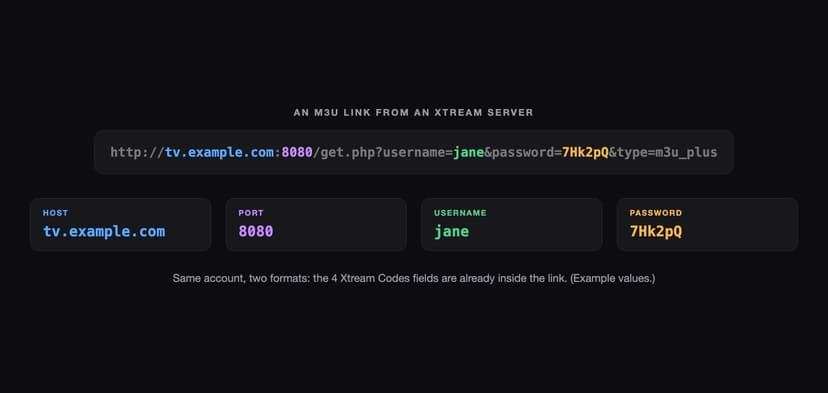
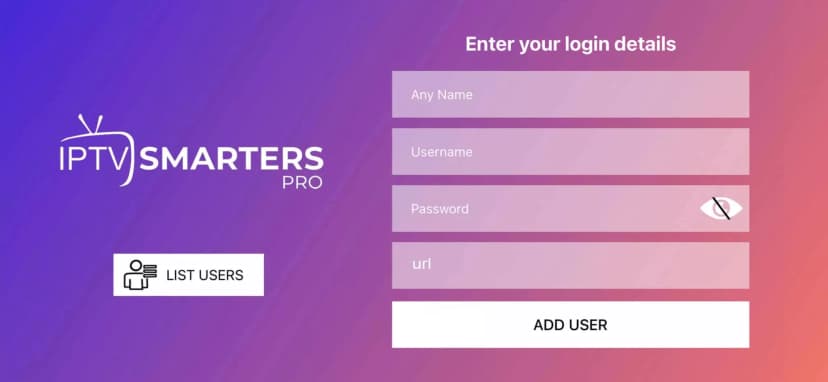
- 🔑 Verify Credentials: Double-check for typos in your username or password. 99% of login failures are due to a single missed character.
2. Bypass ISP Throttling with a VPN
Is your stream working fine in the morning but buffering during prime time? This is a classic sign of ISP Throttling. Your Internet Service Provider can detect heavy video traffic and intentionally slow it down. Using a high-quality VPN encrypts your traffic, making it invisible to your ISP and allowing your 4K stream to run at full speed.
3. Clear Your App Cache
Applications like TiviMate or IPTV Smarters store temporary data to run faster. Over time, this data can become corrupted, leading to crashes or "Server Not Found" errors. Go to your device's Settings > Apps > [Your IPTV App] > Clear Cache. DO NOT click 'Clear Data' unless you want to re-enter your login info.
4. Update Your EPG and Playlist
If your channels are working but the guide says "No Information," your EPG (Electronic Program Guide) might be stuck. Go into your app settings and look for the option to Update Playlist or Refresh EPG. This forces the app to pull the latest channel map from the servers.
🚀 The Ultimate Solution: Switch to a Reliable Network
If you've tried everything and you're still experiencing buffering, the problem isn't your device—it's your provider. Many budget IPTV services oversell their server capacity, causing them to crash during major global events.
This is why thousands of users have switched to RabbitAI TV. Our infrastructure uses AI-Driven Load Balancing to prevent buffering before it even starts. When one server node gets busy, our system automatically shifts you to a clear path without you ever seeing a spinning circle.
Stop fighting with your stream and start enjoying it.